A lot of my day already happens inside ChatGPT.
I draft things there. I think out loud there. I ask it questions I would have Googled a year ago. And somewhere in the middle of all that, a real task usually shows up.
The old version of me would think it, feel good about thinking it, and then lose it the moment the next message arrived.
Now Recordo is in the ChatGPT app directory, so you can use it inside normal ChatGPT conversations instead of treating capture like a separate side quest.
Available in the ChatGPT app directory
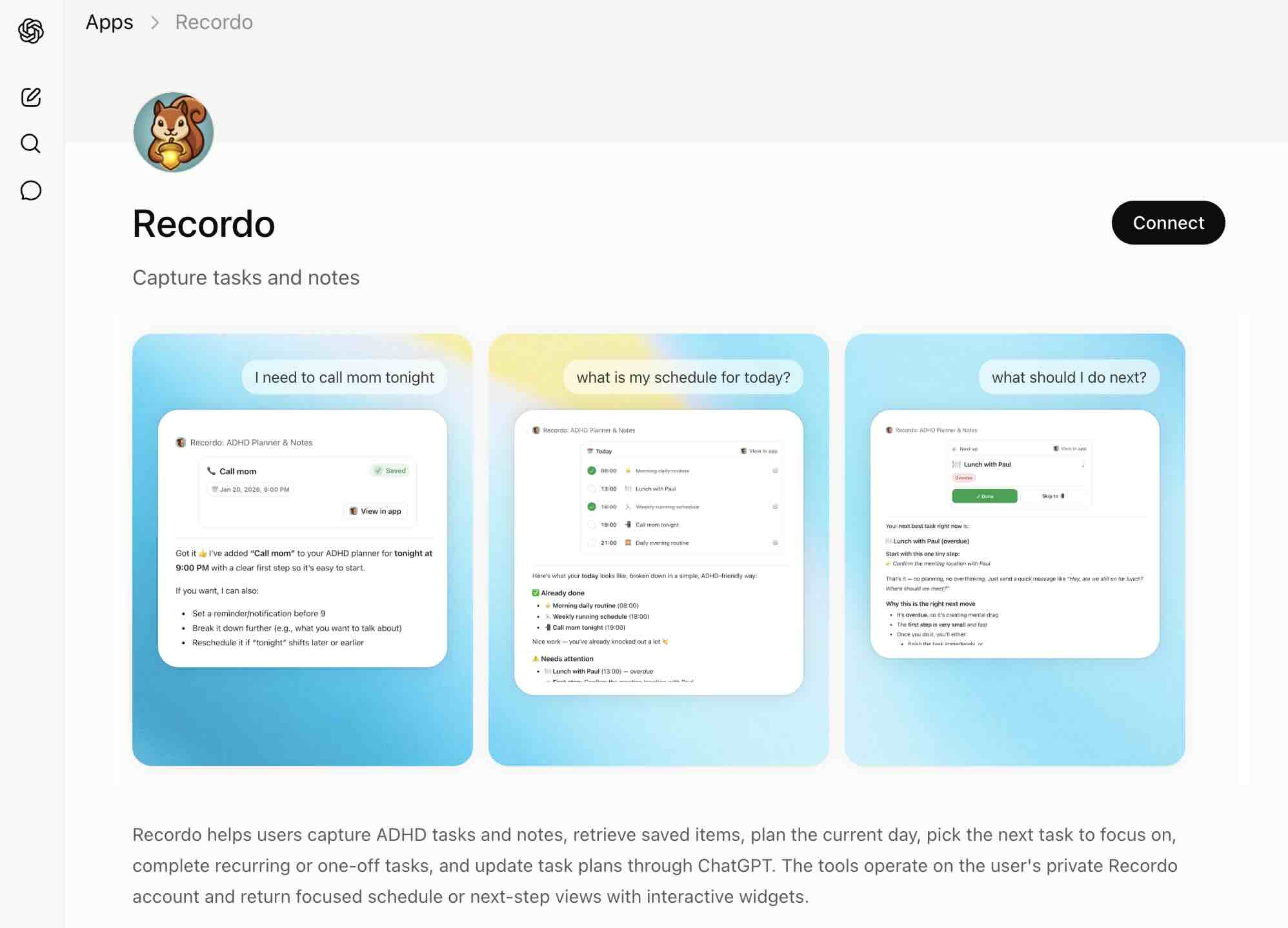
Recordo has been able to connect to AI assistants for a while, but that path was still for people willing to do setup work.
This version is simpler. If you use ChatGPT, you can add Recordo from the app directory and start using it where you already are.
That matters because the thought usually appears in motion: while you are asking questions, drafting, planning, or figuring something out.
The best capture tool does not force you to leave that moment.
Capture where the thought appears
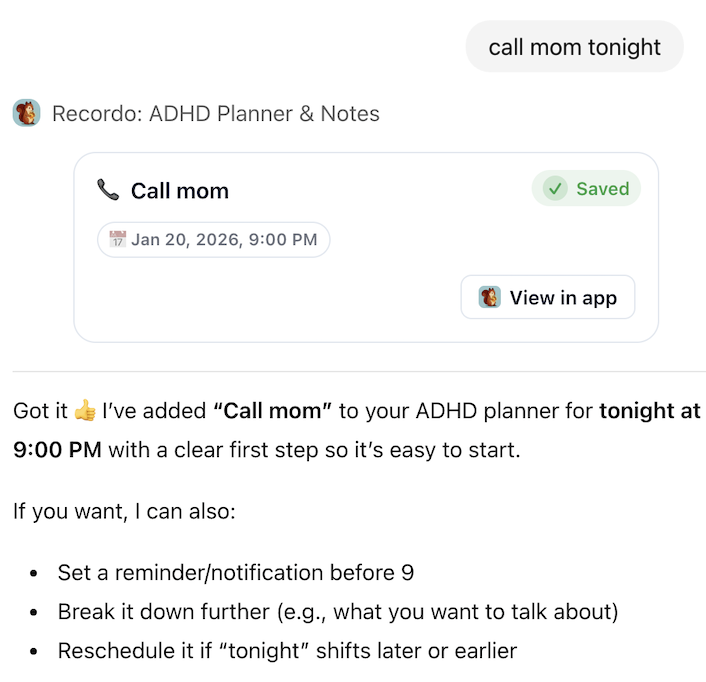
For an ADHD brain, the hardest part is often not organizing. It is catching the thought before it disappears.
Switching to a separate task app in that moment is often enough friction to lose the thought entirely.
- "Add a Recordo task to call the dentist tomorrow at 10."
- "Save a Recordo note: idea for the pricing page, use a one-page comparison."
- "Remind me in Recordo to send the reimbursement form today."
One practical detail: ChatGPT only routes the request to Recordo when you point it there. Mention Recordo by name or start with `@Recordo`, then just say the thing in plain language.
Recordo catches it, structures it, and saves it into the same account you use in the app on your phone.
Ask about your real day
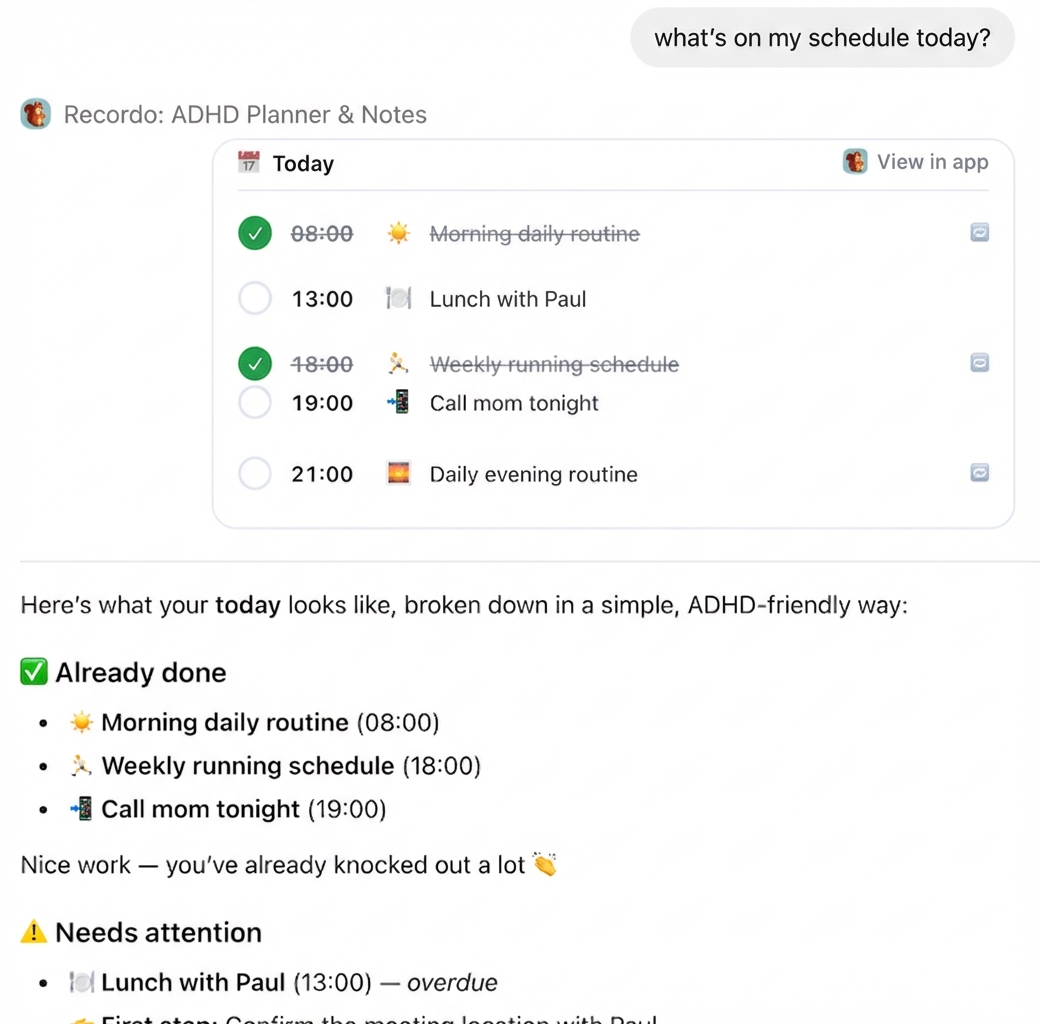
Capture is the start. The more important part is that Recordo can answer questions about your actual tasks and notes, not a generic imaginary to-do list.
Once Recordo is connected, you can ask things like:
- "@Recordo what is on my plate today?"
- "@Recordo what should I start with right now?"
- "Show me everything in Recordo about the dentist."
- "Mark the reimbursement task done in Recordo."
That is the difference between a smart chatbot and a tool connected to your life. Recordo can read and update your own system instead of guessing.
One system, not two
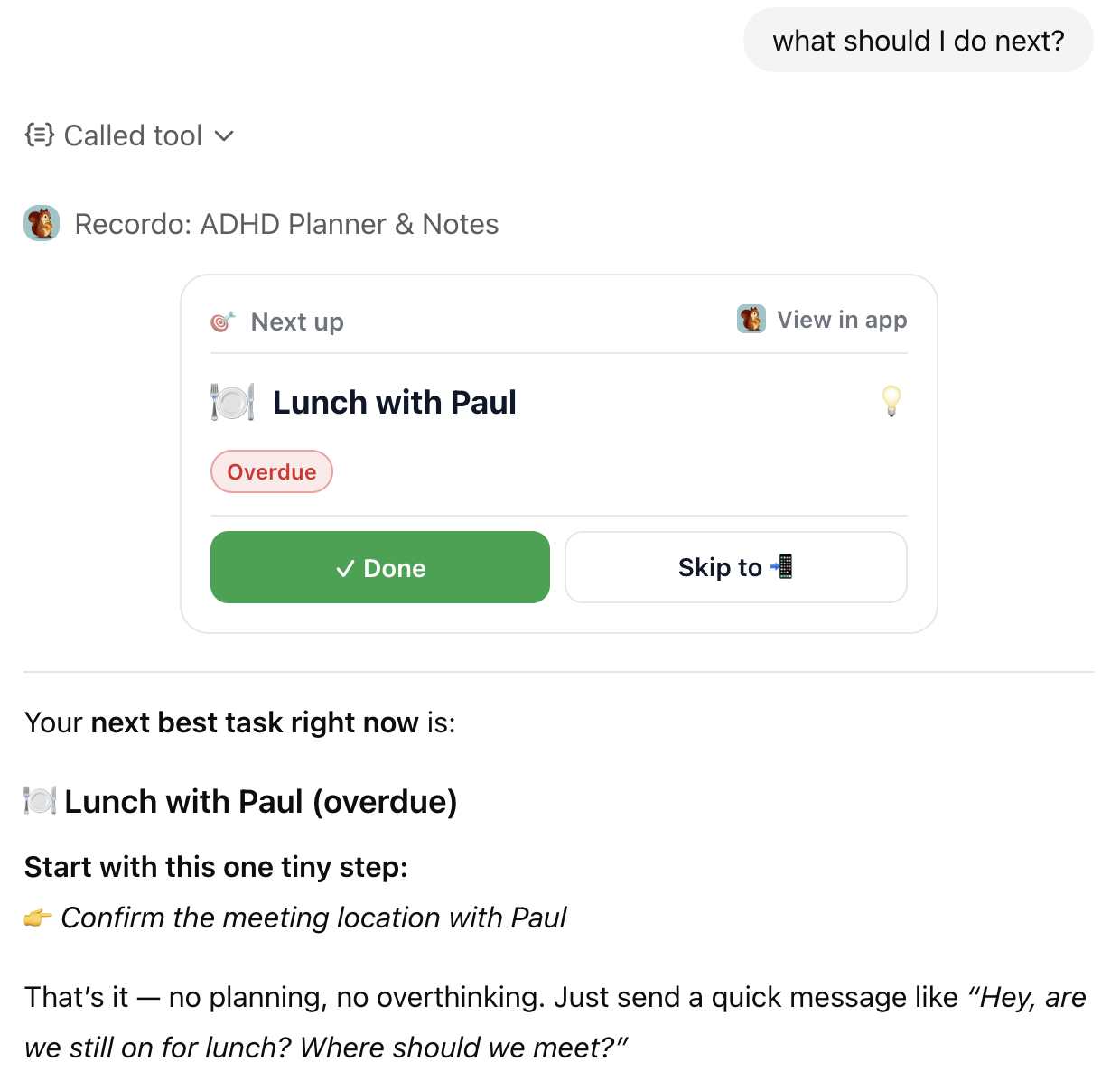
The ChatGPT app works on your private Recordo account and nothing else. It reads and updates your tasks and notes. It does not become a second place you have to reconcile later.
It also does not replace the app. The Recordo app is still the home for your day view, reminders, calendar, Momentum mode, and the rest of the focused day-to-day experience.
The ChatGPT app is just another door into the same room, for the moments when ChatGPT is already open and that is where the thought lands.
That is the version I wanted: less app-switching, less "I will write it down in a second," and fewer thoughts lost to the four-second window.
Try the simplest possible version
If you use ChatGPT, add Recordo from the app directory and try one small thing.
Type `@Recordo` and tell it one task you have been carrying around in your head.
Then open the Recordo app and watch it already be there, waiting for you.
Discussion
Loading the conversation…
Open the discussion in the Recordo community