Say it once
Type or say the task in plain words. If you mention a time, a repeat, or when to be reminded, Recordo fills those in. Check the saved task and fix anything it got wrong.
With ADHD, out of sight really is out of mind: the call you remembered at 8 is gone by 3. Tell Recordo “call the dentist at 3, remind me an hour before” and the task is saved with its time and reminder. When it goes off, check it off right from the notification.
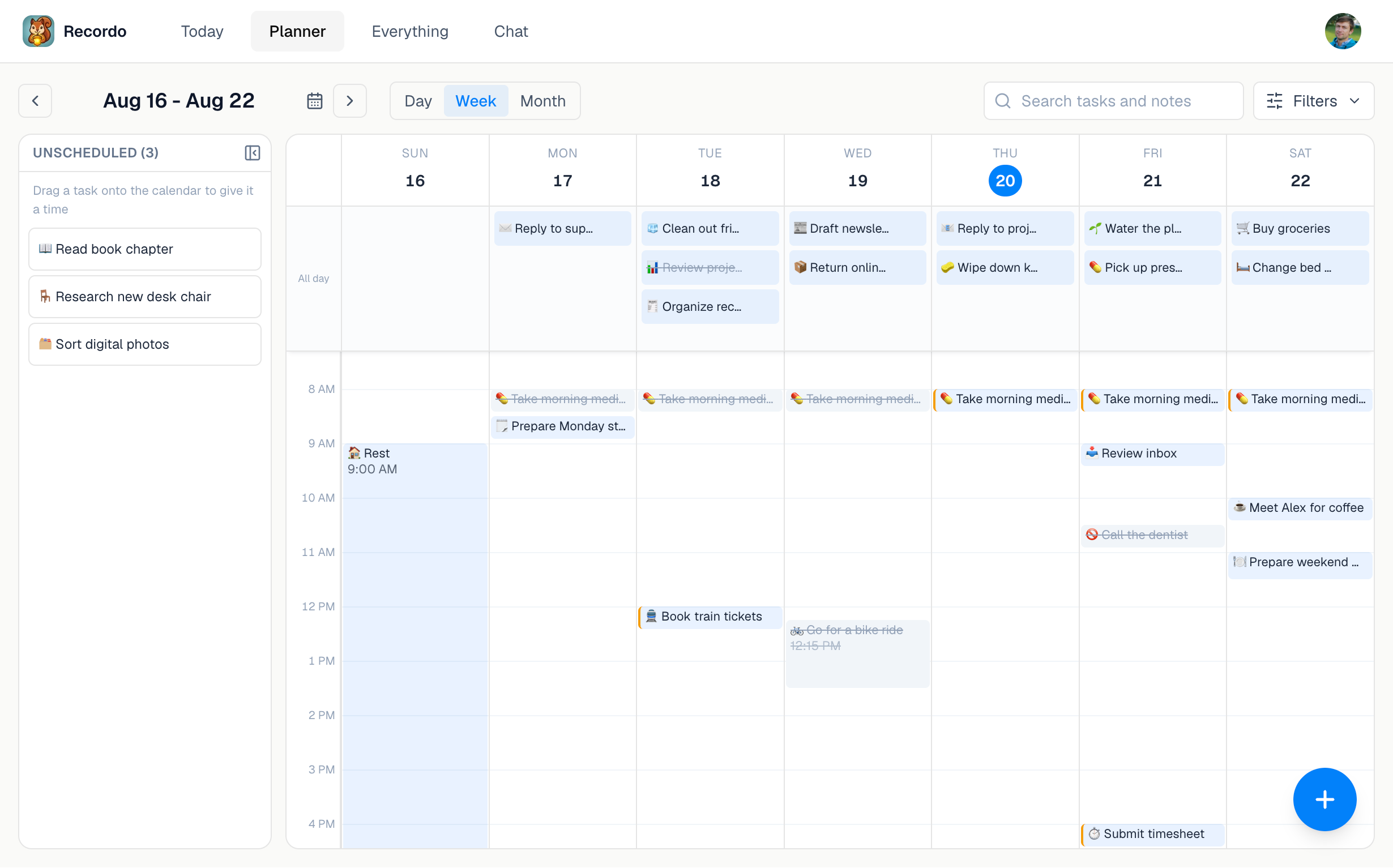
Every reminder belongs to a task, so it follows that task’s time and status instead of ringing on its own.
Type or say the task in plain words. If you mention a time, a repeat, or when to be reminded, Recordo fills those in. Check the saved task and fix anything it got wrong.
No reminder, at the due time, or minutes or hours before. Set a default once in Profile, then change it for any single task.
Tap Complete on the reminder to check the task off without opening the app. Tap the notification itself to open the task in Momentum Mode, with a plan, a coach, and a timer.
An alarm rings at a time and knows nothing else. A Recordo reminder moves when you move the task, stays quiet once the task is done or cancelled, and skips a routine you already finished today. Fewer pointless alarms make the real ones easier to trust.
Reminders are push notifications, so they need notification permission on your phone and can be held back by Focus, Do Not Disturb, or battery settings. They can arrive a few minutes after the time you pick.
Reminders are one part of it. These keep the rest of your week from falling through the cracks.
Say “take meds every day at 8” or “pay rent on the 1st” and the task repeats. Finishing today’s does not remove tomorrow’s, and you can cancel one day or the whole routine.
If your morning starts with nothing added, Recordo sends a gentle nudge. When a task from yesterday is still open, the nudge names it and offers to break it into smaller steps. You can turn off Daily nudges in Profile.
Pro gives you a private calendar link that shows Recordo tasks in Apple Calendar, Google Calendar, or Outlook. Those apps refresh the link on their own schedule, so changes can take a while to show up.
Yes. Choose the due time itself, 10 or 30 minutes before, 1 or 2 hours before, or a custom number of minutes. If you never set a default, reminders come 10 minutes before.
Yes. Phrases like “remind me an hour before” or “no reminder for this one” set the reminder for that task. If you do not mention a reminder, your default applies.
Yes. Each occurrence of a routine with a time gets its own reminder, and if you have already completed today’s occurrence, that reminder is skipped.
Yes. Choose No reminder for that task. It keeps its time and still shows up in Today and the planner.
Check that notifications are allowed for Recordo and that Task reminders is on in Profile. A task needs both a date and a time to be reminded, and the web app does not send browser notifications.
Yes. Task reminders, recurring tasks, and daily nudges are free. Pro adds calendar integration and more AI chat each day.
Say the task once, pick when you want the nudge, and let Recordo hold onto it until then.