You meant to be asleep by now. Instead, you're trying to finish one more task. You reread the same paragraph, lose track of what you were doing, and decide to keep going until it is done.
The task takes longer than you expected. Bedtime moves again. The morning alarm stays where it was.
Some nights, the opposite happens: you finally feel focused and stopping seems like a waste. Either way, the hours you meant to spend sleeping become extra space for unfinished work.
It is easy to plan this way when sleep has no place on the calendar. Everything else gets a time. Rest gets whatever is left.
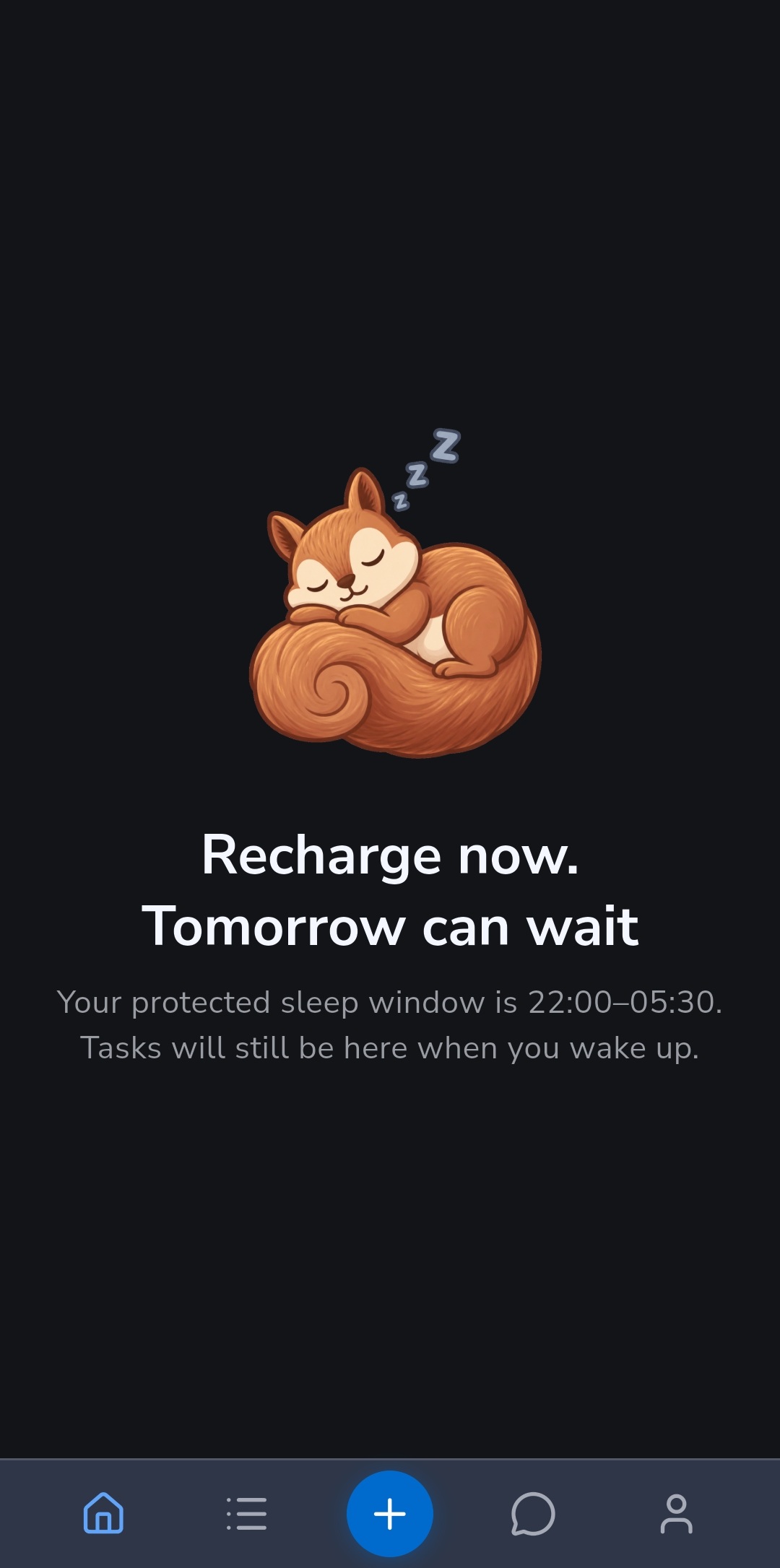
Recordo makes that stopping point visible. During your chosen sleep window, the Home Next Task area shows a sleeping squirrel and a reminder that rest belongs in the plan. Your tasks remain available in the Tasks list.
And when the night still ends up short, Recordo Pro can offer to help you make today lighter: review what needs doing, what can be smaller, and what can wait.
The extra time can cost you tomorrow
Sleep supports attention, memory, decision-making, and emotional regulation. When you get too little, those things can become harder, and tasks can take longer. The National Heart, Lung, and Blood Institute explains these effects.
That makes borrowing from bedtime a difficult trade. You might finish something tonight, then find that tomorrow's ordinary tasks take more effort than you expected.
For someone with ADHD, that is worth taking seriously without assuming every difficult day comes down to sleep. There is already enough to manage without building a plan that depends on regularly cutting the night short.
How to set this up in Recordo
A task list has no natural stopping point. There is usually something else you could finish, prepare, tidy, or catch up on. Choosing your sleeping hours first gives you a boundary to plan around.
Open Profile > Personalization > Sleep, then Sleep window. Choose your Bedtime and Wake time. Setting the window manually is free, with no health connection needed.
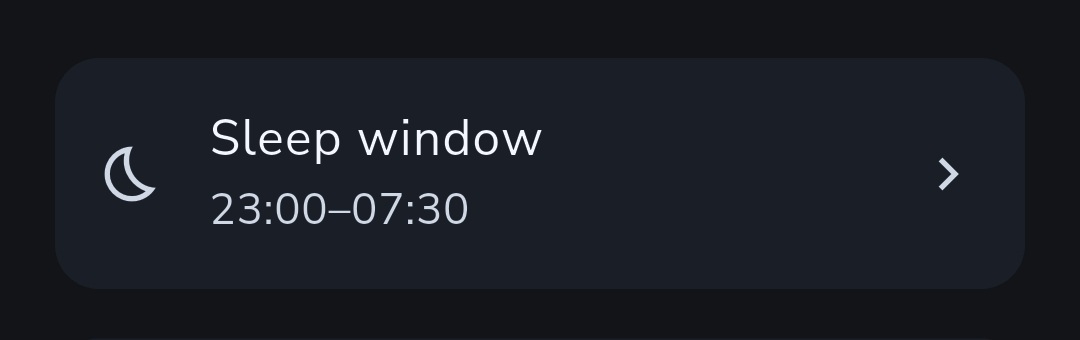
Use a window that makes sense for your circumstances. When another task appears, you have a concrete decision: does it fit before that window, or does it belong on another day?
The calendar marks your sleeping hours. Timed tasks that overlap them get a sleep indicator in the task list, and task details show a warning. Coach is instructed to ask for confirmation before scheduling into that window.
You can still choose an exception. The useful part is noticing it, instead of letting every unfinished task quietly move bedtime.
After a short night, make today lighter
Protecting sleeping hours is free. Recordo Pro adds help with the morning after: when you have slept noticeably less than usual, it can offer to review your day with you.
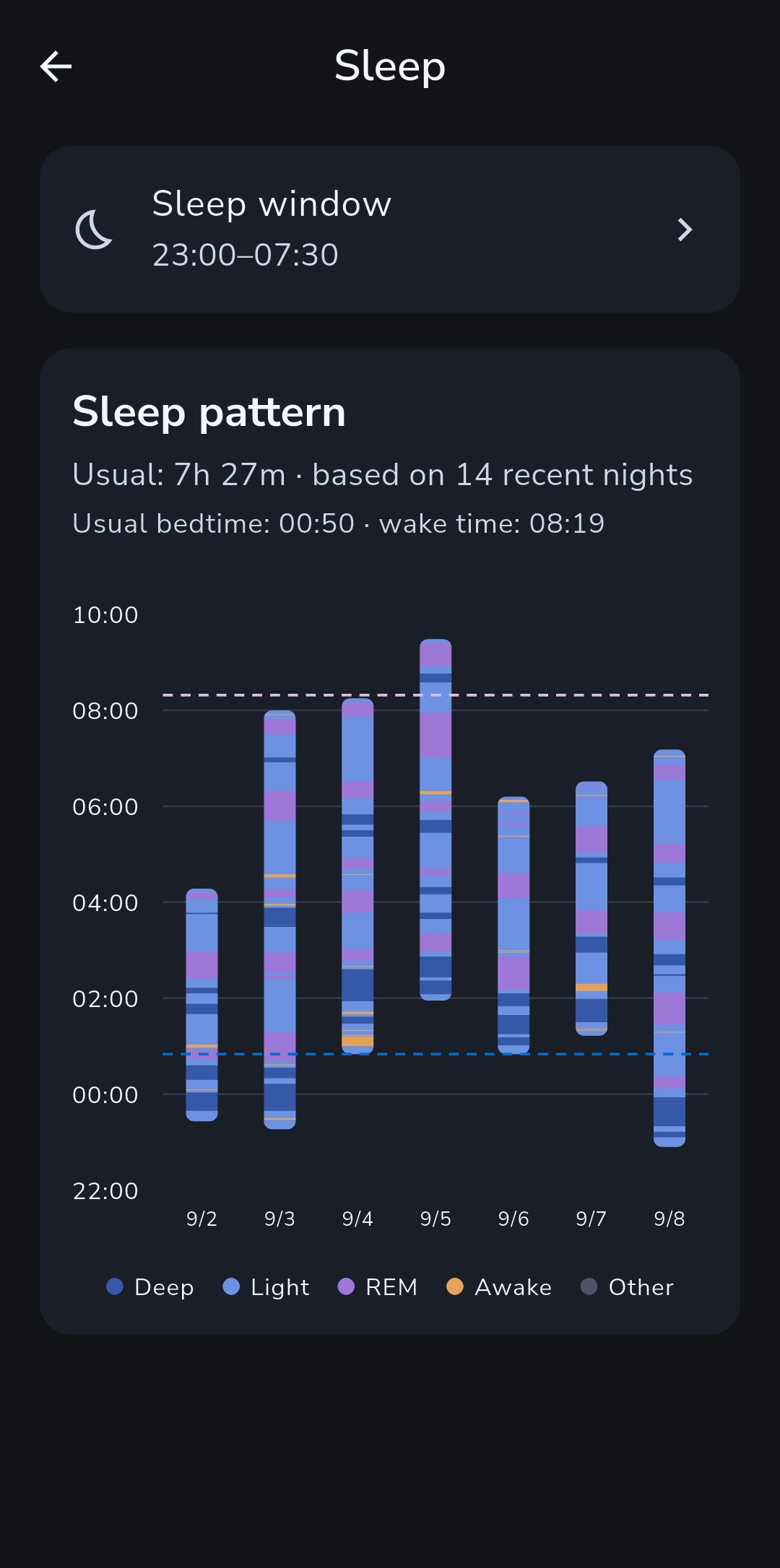
Connect Apple Health on iPhone or Health Connect on Android, and keep your sleep window set. Once enough recorded nights establish your usual pattern, a recent shorter night can bring up a Home card with Make today lighter.
Tap it to open Coach with your sleep summary and a request to review today's tasks. You might keep the appointment, make cleaning a smaller job, and move an optional errand. You decide what makes sense for today.
The Sleep screen shows the recent nights behind that comparison, with sleep stages when your health source provides them.
Your usual duration describes your recent pattern, not how much sleep you should get. The card starts a conversation; it does not automatically move tasks or decide what you are capable of doing.
A bedtime does not explain the whole night
If you only start feeling alert when it is time to stop, understanding why your body clock may run late, and what that means for an early start can help you make sense of the mismatch.
That is a different problem from pushing through a task while tired. Protecting a sleep window leaves room for sleep, but it cannot make you sleepy on command.
And if bedtime itself feels like a struggle, what children with ADHD describe about restless thoughts and bodies helps explain why a reminder alone may miss the difficult part.
Those findings came from interviews with 15 children who had ADHD and sleep difficulties. They cannot describe everyone or explain adult sleep, but they give a closer view of what happens between deciding to go to bed and settling down.
Leave room to change the plan
Imported sleep records stay on your device. Your chosen window is saved with your profile. Tapping Make today lighter sends the latest sleep duration, your recent usual duration, and the difference to Coach as a chat message.
If ongoing trouble sleeping is affecting daily life, talk with a doctor. Planning can help you leave time for rest, but persistent sleep difficulties deserve attention of their own.
Tonight's list does not have to be empty before you stop. Give sleep a place in the plan, and let some unfinished things wait until tomorrow.
Discussion
Loading the conversation…
Open the discussion in the Recordo community